Send your work.
They preview it, pay to get it.
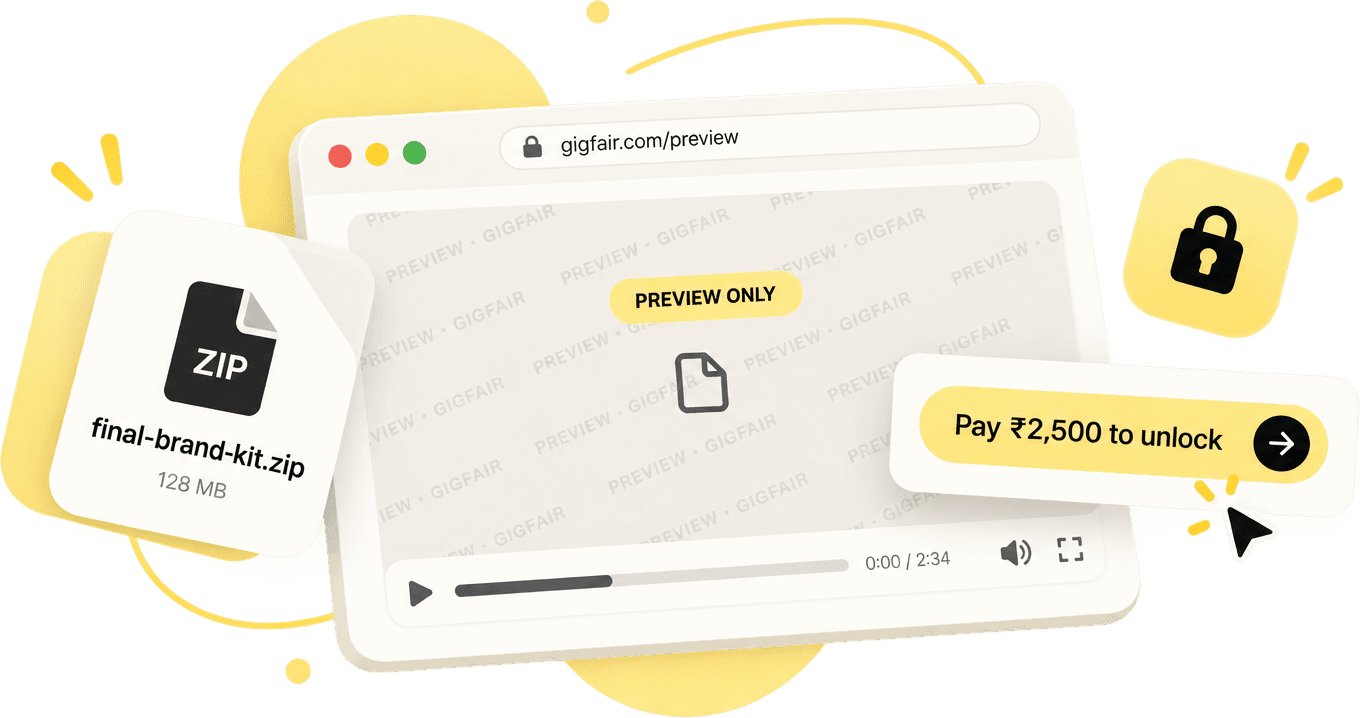
Send your work securely. Clients can preview it, but only download the real file once they’ve paid.
The problem
Freelancers lose money every day
Not to bad clients — to a broken handoff. The file goes out before the money comes in, every time.
01
Payment delays
Clients take days or weeks to pay after receiving the work.
02
Work gets used for free
Clients use your files, then disappear without paying.
03
No proof of delivery
No way to prove a client received or viewed your work.
Our approach
Three steps. No back-and-forth.
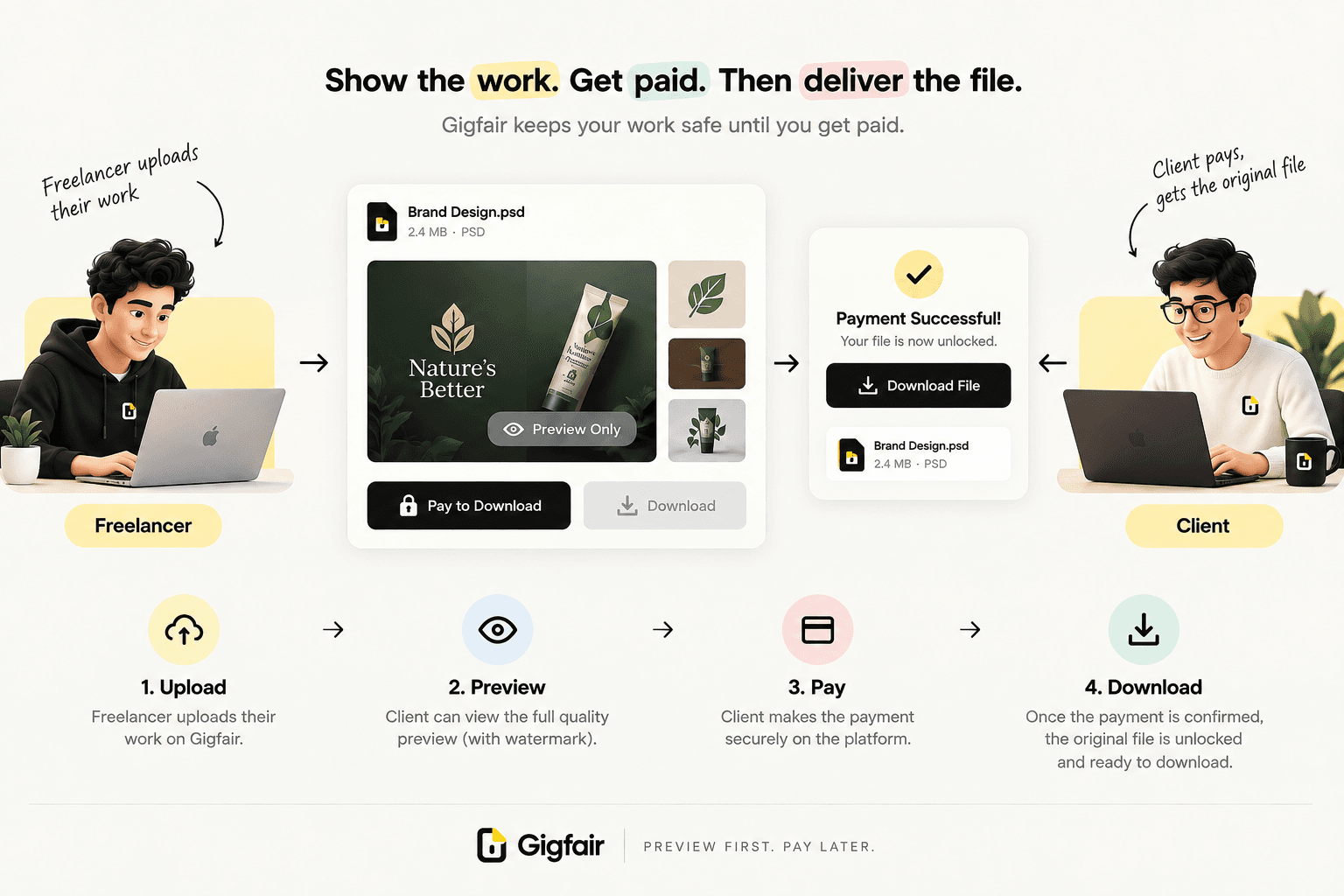
Upload your file
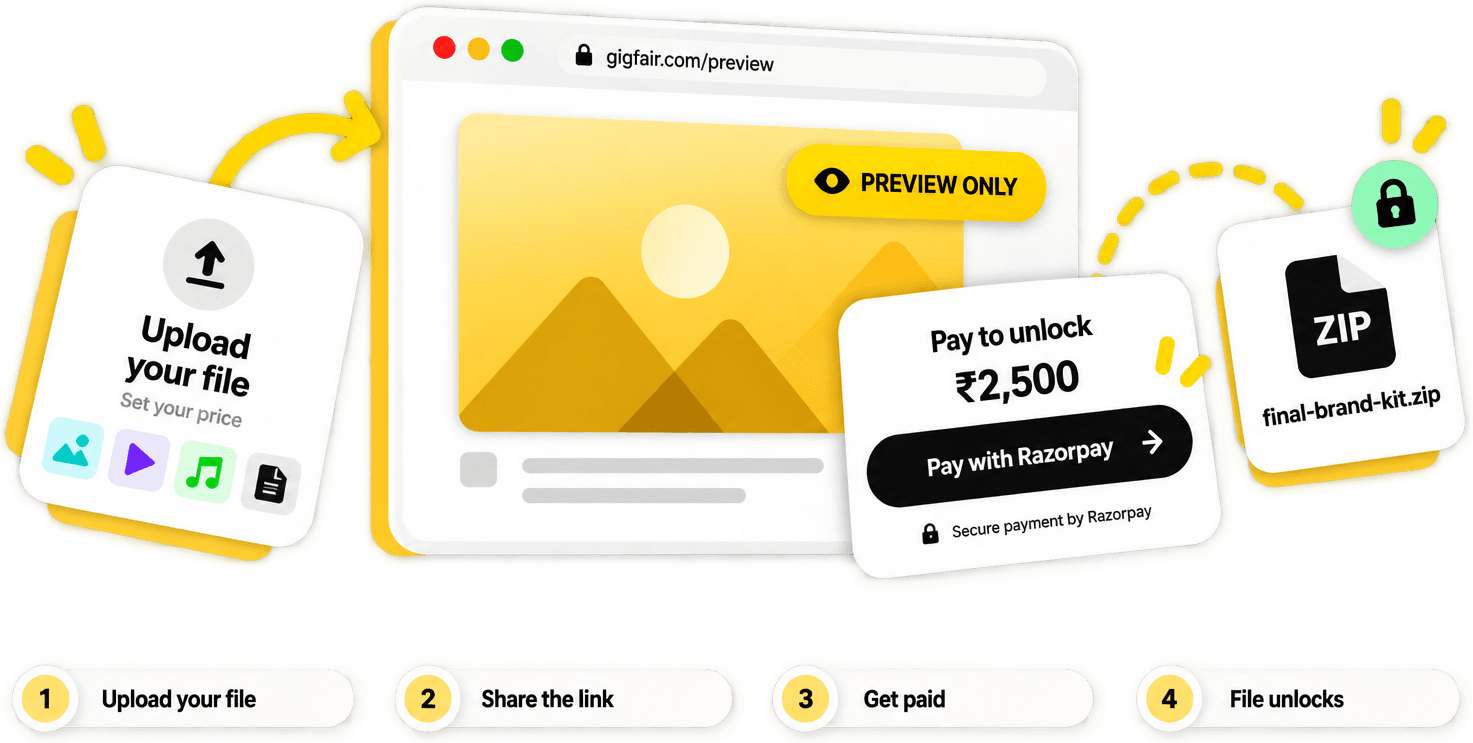
Upload a file and set its price.
Share the link
Send it to your client. They can preview it — but not download it.
Get paid & unlock
Once they pay — and only when they pay — they can download the file.
Withdraw your earnings
Log in to your dashboard and make a withdrawal — get the money in your bank account.
Why switch
Why freelancers switch
Trust, built in
Clients preview the real work before paying — fewer disputes, faster yes.
Payments secured by Razorpay, end to end
Payments held securely
Razorpay holds the funds until it's delivered.
One link does it all
No invoices, no email threads.
Everything tracked
Every delivery and payment, organized automatically.
No client account needed
They preview and pay with just the link — no sign-up on their end.
How it works
Your client sees the work — not the file
A watermarked, full-clarity preview so they can judge the work honestly. The download stays locked until Razorpay confirms the payment.
Full-quality preview, watermarked
Payment held securely by Razorpay
File unlocks the instant it's paid
Public demo
See exactly how each file type looks to your client
Hover a card for a peek, or open one — every card links to a real, public preview page.

Full clarity, watermarked
Your client sees the finished image in full resolution — a tiled watermark makes it unmistakably a preview until they pay.
Plays in full, watermarked
The full video plays start to finish so your client can judge the edit honestly — a watermark overlay marks it as a preview.
videoplayback.weba
Audio extracted from "Children of Planet Earth: The Voyager Golden Record Remixed — Symphony of Science" by melodysheep
Plays in full, download locked
Full playback is free — your client can listen to the entire track. Only the downloadable file stays locked until payment.
Voyager Golden Record — Greetings in 55 Languages — English Transcript This document presents the English translations of the spoken greetings carried on the Voyager Golden Record aboard Voyager 1 and Voyager 2. The greetings represent 55 languages and were intended as a brief, diverse message from Earth. 1. Sumerian — "May all be well." 2. Ancient Greek — "Greetings to you, whoever you are. We come in friendship to those who are friends." 3. Portuguese — "Peace and happiness to everyone." 4. Cantonese — "How's everyone? Wish you peace, health and happiness." 5. Akkadian — "May all be very well." 6. Russian — "Greetings! I welcome you!" 7. Thai — "We in this world send you our good will." 8. Arabic — "Greetings to our friends in the stars. We wish that we will meet you someday." 9. Romanian — "Greetings to everybody." 10. French — "Hello everybody." 11. Burmese — "Are you well?" 12. Hebrew — "Peace." 13. Spanish — "Hello and greetings to all." 14. Hindi — "Greeti
First 25%, then locked
Your client reads the opening of the real document — enough to judge the writing and confirm it's genuine — before the rest unlocks.
Pricing
Free to use.
3.5%
only when you actually get paid
No setup fees
No charge on free previews — only real payments
Same fee whether you're on a free or paid plan
Everything you need to get paid
Secure previews
Clients preview your work without getting the final file.
Payment collection
Get paid via Razorpay before anything downloads.
Client management
Keep every client and project organized in one dashboard.
Delivery history
Every file you've sent and every payment, all in one place.
Coming soon
Custom branding
Your logo on every preview page.
Multiple payment options
Milestones, pay-later, and more ways to get paid.
For more professions
Expanding beyond freelancers to more business professionals.
That’s it — stay tuned for updates.
What freelancers are saying
“
Clients used to sit on my files for weeks. Now they preview it, pay, and I'm done the same day.
Freelance designer · Brand identity work
“
I stopped worrying about clients downloading a rough cut and vanishing. The link handles it.
Video editor
Short-form content
“
One link instead of a back-and-forth invoice thread. It's the small thing that saves the most time.
Copywriter
Freelance
No — start from /upload, add a file, verify your email with a one-time code, and you're done. Create an account later if you want a full dashboard.
The full, real file — watermarked, at full clarity — so they can honestly judge the work. They just can't download the clean, final version until they pay.
Payments run through Razorpay. The money is held securely and only released to you once the payment is confirmed — Gigfair never touches it directly.
3.5%, and only on payments you actually receive. Free previews cost nothing, and there's no subscription or setup fee.
Add your UPI or bank details in Profile, then request a withdrawal from the Earnings page once a project is paid.